
A patient journey workspace for the work between visits.
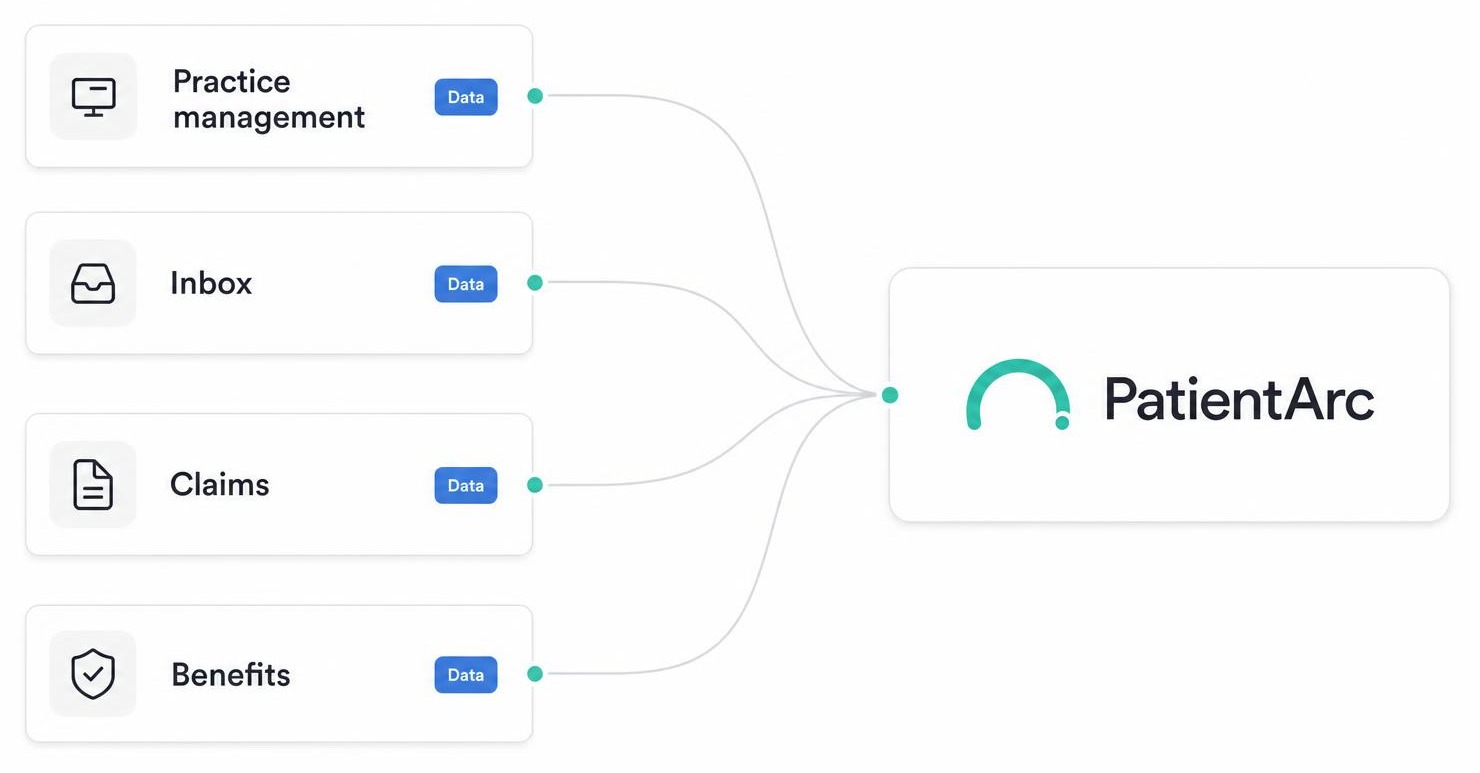
PatientArc is one reviewed operating layer that sits between visits — watching recall, schedule gaps, messages, benefits, and claims, and handing your team a short list of drafted actions to approve each day.
Today · Op 2
Live- 10:00Crown prep — Maya L.Confirmed
- 11:00Open chair · 60 minUnconfirmed
- 12:30Hygiene — David R.Confirmed
The day, organized before you arrive.
- Shows confirmations sent overnight, schedule risks, and waitlist matches in one list
- Staff review the list each morning and decide what to send or skip
- Never sends a patient-facing message without a staff tap

Morning brief
Today- 14 confirmations sent
- 2 schedule risks flagged
- 6 waitlist matches ready
See gaps before they become empty chairs.
- Flags open time by op and provider as soon as it appears
- Suggests a matching patient from the recall list, with the reasoning shown
- Staff choose whether to send the outreach — it never goes out on its own
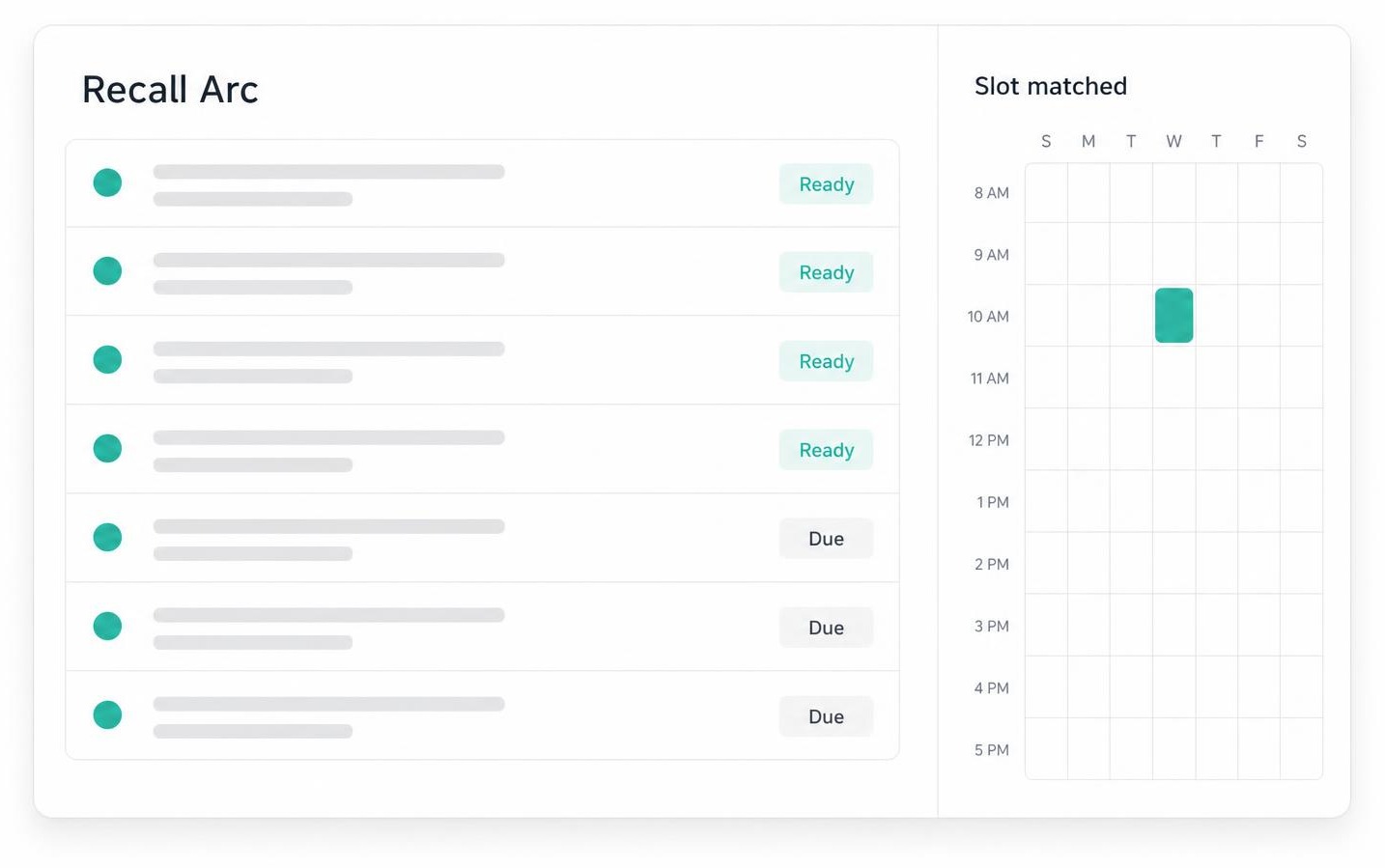
Open chair
11:00 AM · 60 min · Op 2
Dr. Patel · Hygiene
Best match: Emily T. — recall overdue 4 mo, lives 4 min away.
Bring overdue patients back, on a cadence staff set.
- Tracks who's overdue by hygiene or recare interval
- Drafts an outreach message for each overdue patient
- Staff approve, edit, or hold every draft before it sends
Recall queue
- Emily T.Hygiene · 4 mo overdue
- Marcus J.Hygiene · 6 mo overdue
- Priya S.Recare · 9 mo overdue
3 drafts awaiting staff approval
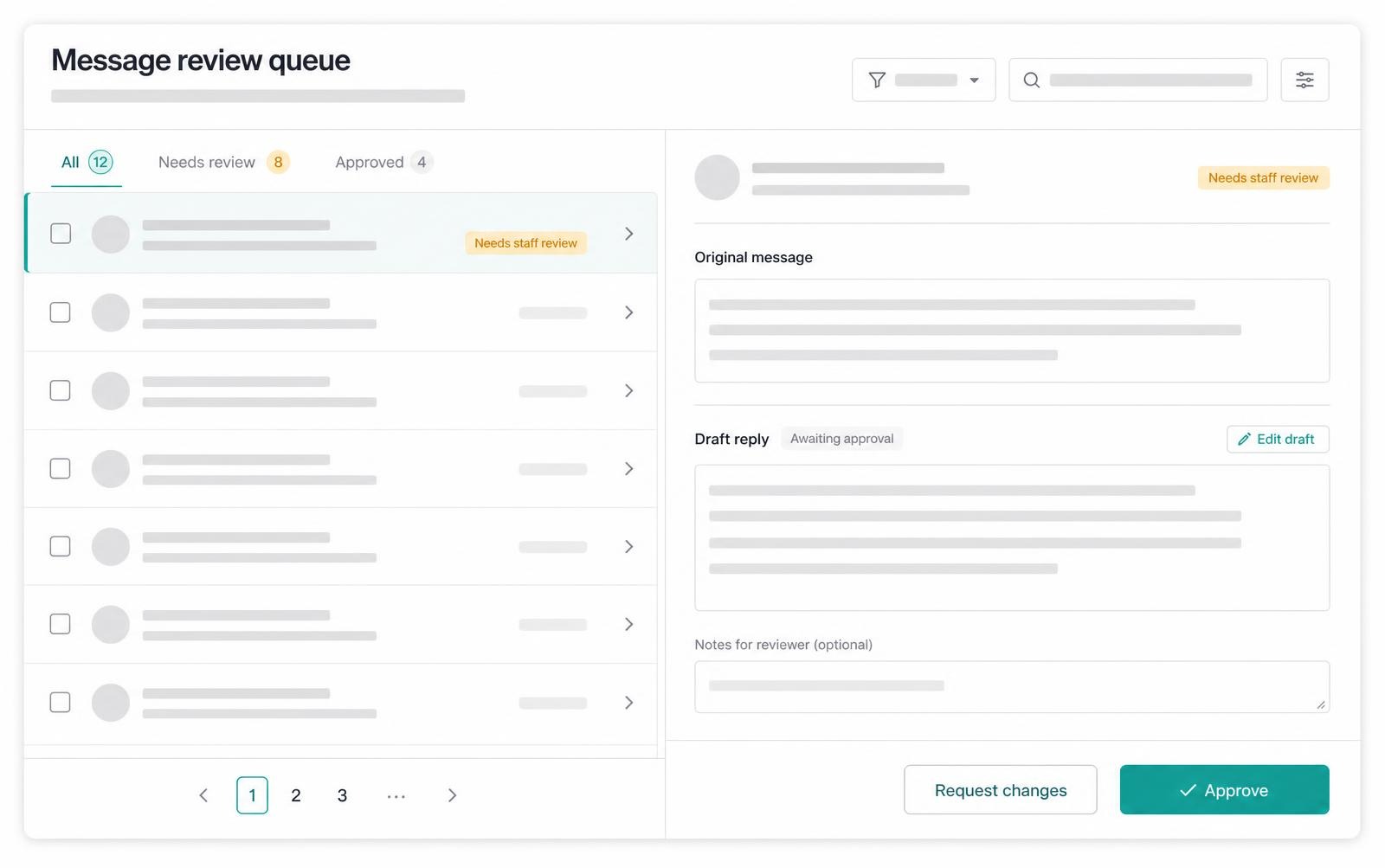
Every message sorted by what needs a reply first.
- Collects SMS, voicemail, and portal messages into one queue
- Flags the ones that need a same-day answer
- Drafts a reply for staff to review — it never replies on its own
Reschedule — Crown prep
SMS · 2 min agoHighHi, I need to move my Tuesday appointment. Anything Friday afternoon?
Suggested reply
Hi Mark — Friday at 2:30 PM with Dr. Patel works. Reply Y to confirm.
Benefit checks, pulled up before the patient sits down.
- Shows eligibility and coverage details on the pre-visit rail
- Highlights plans that need a manual call to confirm
- Every coverage detail is reviewed by staff, never assumed

Benefit check
Aetna PPO — Maya L.
Verified · D2740 covered at 50%
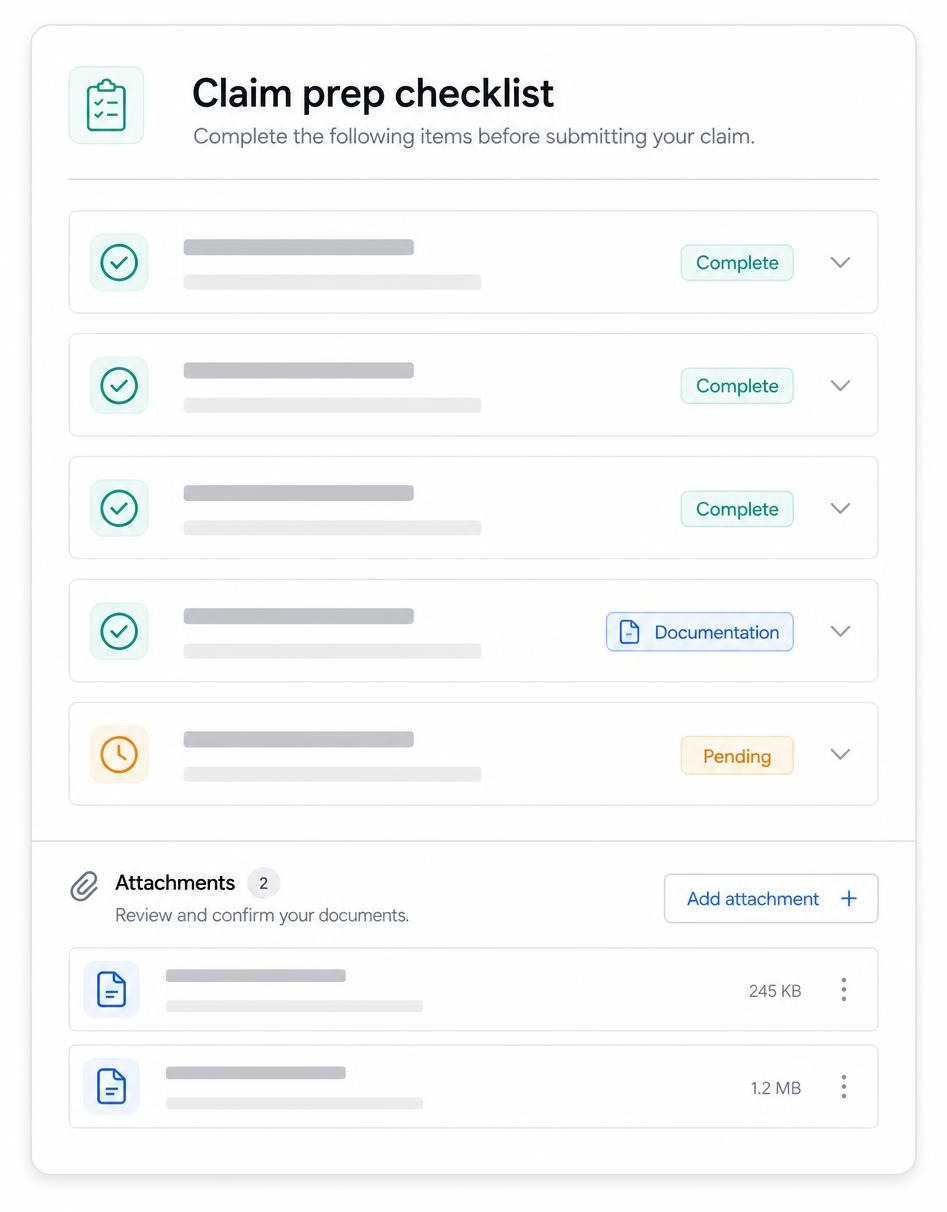
Claim packets assembled before the deadline is close.
- Checks each claim for a narrative, x-rays, and attachments
- Flags what's still missing, like an EOB
- Staff review and submit — packets never leave the workspace on their own
Claim packet
- Narrative
- X-rays attached
- EOB needed
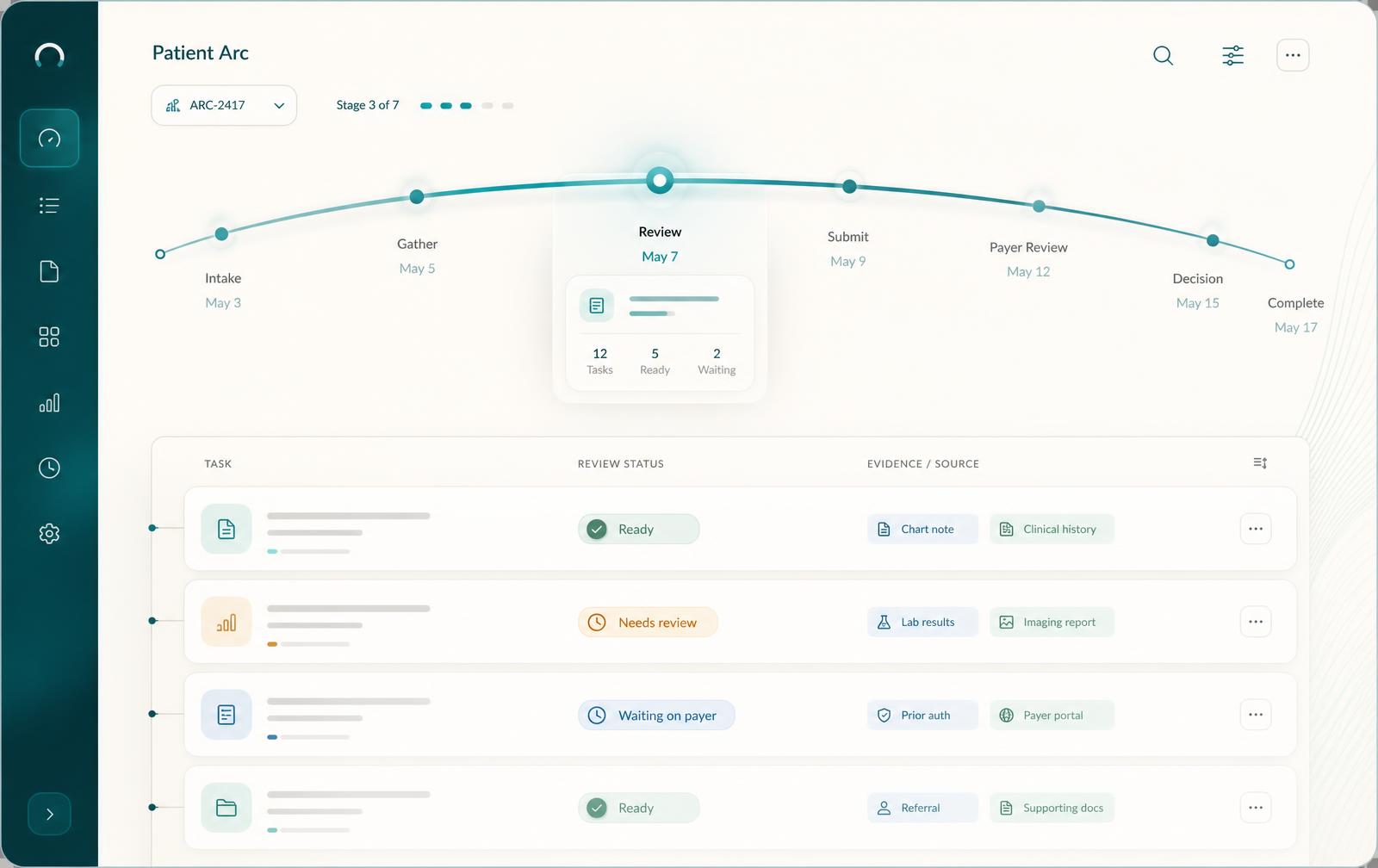
Accepted treatment that stalls, brought back into view.
- Tracks patients who accepted treatment but haven't scheduled it
- Drafts a check-in message on a cadence staff configure
- Staff approve every send; the loop never closes itself out
- Every action stays visible and reversible
Approval queue
3 awaiting review- Recall draft for Emily T.Hygiene · 4 mo overdue
- Reply to Mark D.SMS · suggested time
- Treatment follow-upAccepted plan · day 12
See the platform on your own schedule.
AI prepares drafts across every module. Staff approve every patient-facing action before it goes out.